Benefits of Creating an Account
You can conduct searches without registering or logging into an account, however, account holders can also send an anonymous inquiry to a treatment provider. Account holders can also view their inquiries made to treatment providers through the Treatment Connection application.
How to Create an Account
- To register for Treatment Connection, navigate to TreatmentConnection.com.
- On the Treatment Connection website, click the User Login/Sign-up button in the top right corner.

- Click the Create an Account button on the User Login page.

- You will then be taken to the My Profile screen. Required fields are marked with a red asterisk.
- You will be prompted to enter your e-mail address along with a preferred password.

Password requirements are as follows:- Must be at least eight characters long
- Must contain at least one upper case letter
- Must contain at least one lower case letter
- Must contain at least one special character (@, !, #, $, &)
- Must contain at least one number
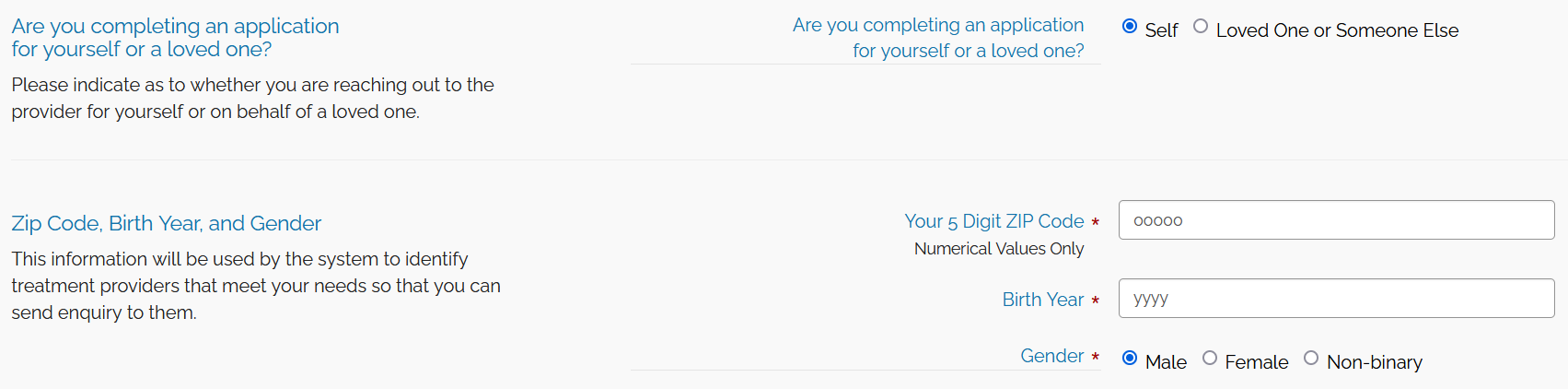
- Next, you'll need to indicate whether you're completing this application for yourself, or for a loved one, and enter you or your loved one's zip code, birth year, and gender:
- You'll then need to enter applicable substance and treatment related information. If you have previously received treatment or are seeking treatment, you can click the Description of Treatment Types button to help you to answer the third and fourth question.

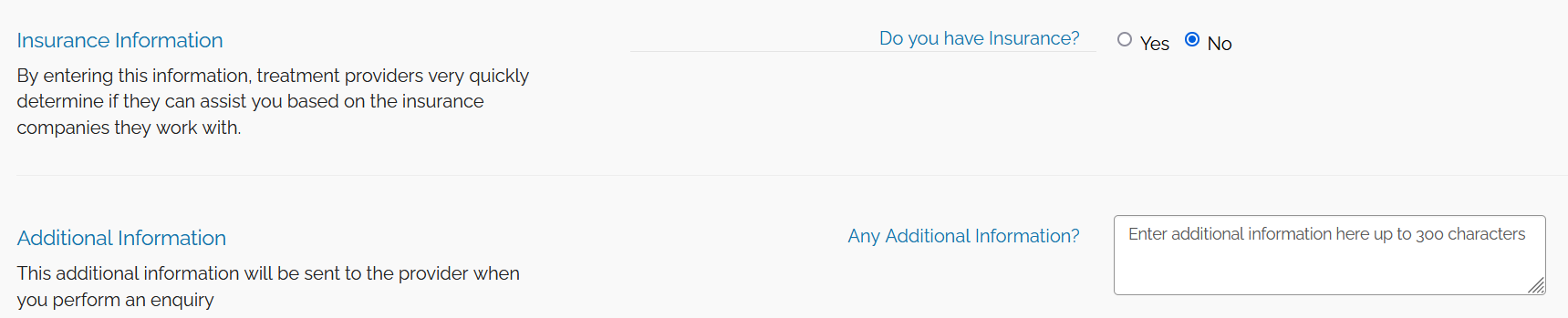
- You'll then be asked if you have insurance and for any additional information you wish to provide.
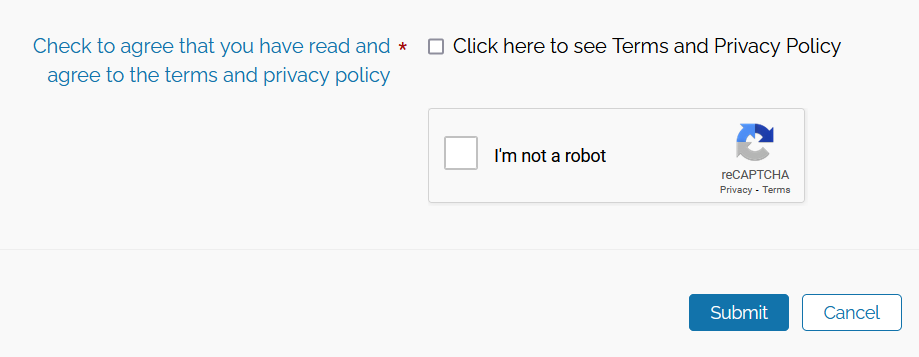
- Then, you'll need to agree to our privacy policy, which will display in a pop-up for you to read and accept at the bottom, as well as complete a reCAPTCHA by checking the box and potentially verifying pre-selected images.
- reCAPTCHA: Please select all image squares that fit the request.
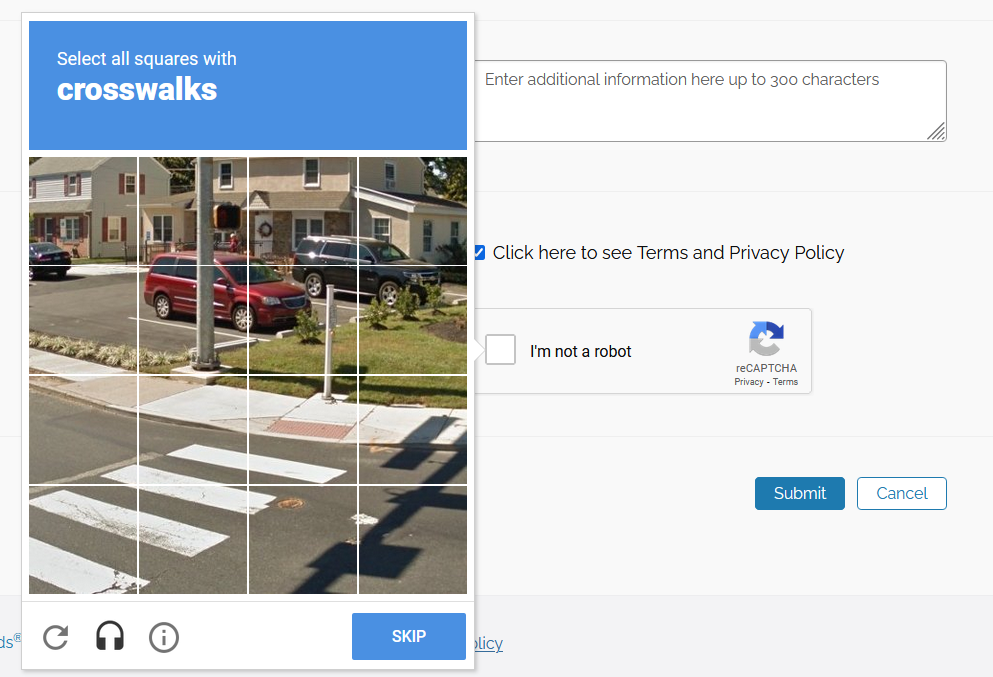
- Finally, select the "Submit" button.
E-mail Verification
- You will receive a pop-up message advising you to complete your registration by verifying your account.
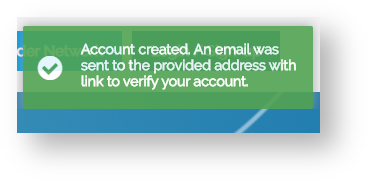
-
Locate this email and select the link provided within.
- Example of the verification email:
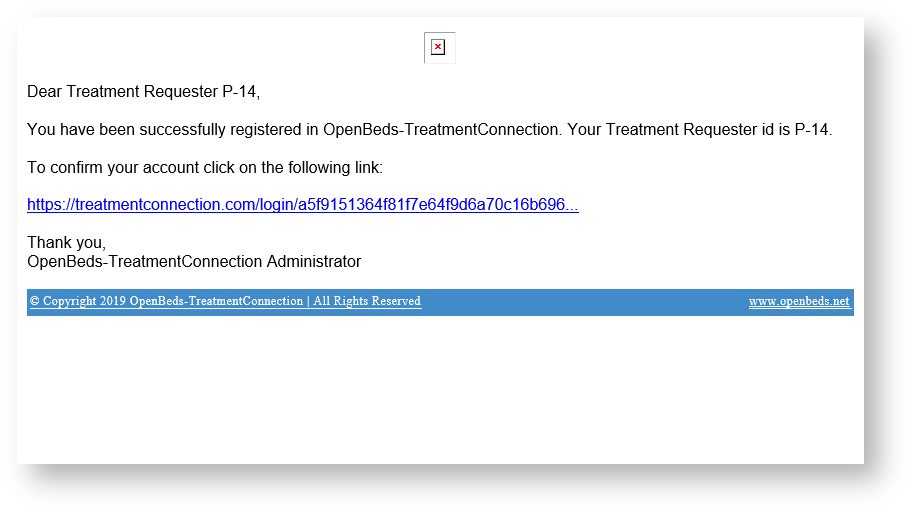
- Example of the verification email:
- You are then directed to the login page after selecting the link; login to finish validating your account.
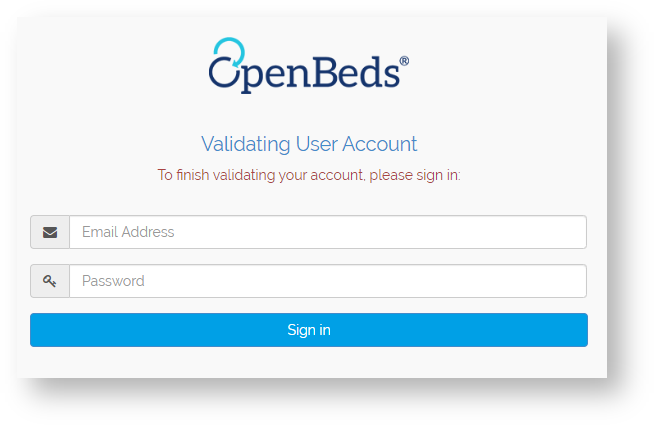
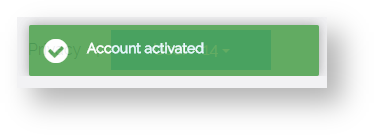
- You'll then receive a pop-up message that states your account is now active.
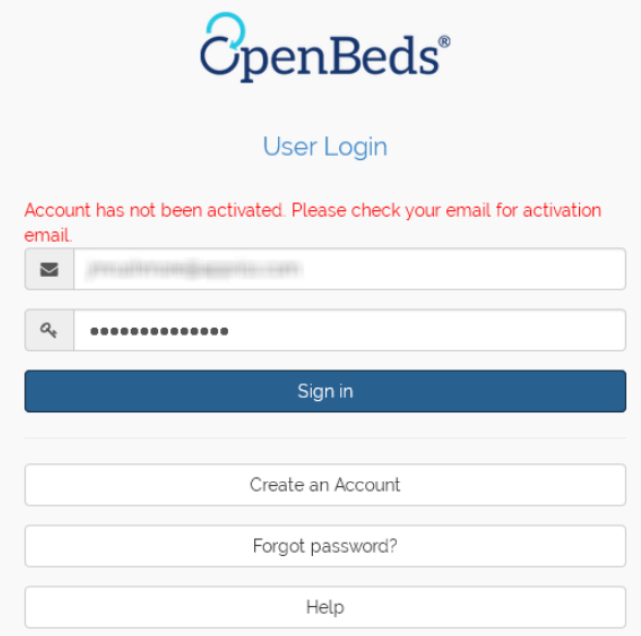
Account Has Not Been ActivatedIf you attempt to log into your account before verifying your e-mail address, you will receive an error message that states "Account has not been activated. Please check your email for activation email." Reference the above instructions to locate the activation e-mail for your account.